
Last updated: April 2026 | Reading time: 14 minutes
If you’re searching for a Loom alternative in 2026, you already know something is off. Maybe Loom got more confusing after the Atlassian acquisition. Maybe you hit a storage limit. Maybe you just tried to share a video and couldn’t figure out how.
You’re not alone. Across Reddit, X, and product review sites, the sentiment is consistent: Loom is good in theory, but it’s started to feel like a product that nobody is actively improving.
This guide covers the 12 best Loom alternatives available right now, ranked and reviewed honestly. We’ll start with the one that beats Loom on almost every dimension — and then walk through the rest for specific use cases.
Quick jump links:
- Tella ⭐ Best overall
- Supercut
- Cap
- VEED
- Camtasia
- ScreenFlow
- ScreenPal
- Descript
- ShareX
- QuickTime
- OBS Studio
- ScreenApp
What to Look for in a Loom Alternative
Before diving into the list, here’s what actually matters when evaluating a screen recorder as a business tool:
Recording quality — 4K support, multiple recording modes (screen, camera, both), audio fidelity.
Editing capability — Can you remove mistakes, filler words, and silences without becoming a video editor?
Sharing experience — Is a shareable link immediately available after recording, or do you have to render, export, and upload?
Analytics — Can you tell who watched, how much they watched, and whether they clicked?
Storage — Are there caps that will throttle you at scale?
Price-to-value — Is the pricing honest and proportional to what you actually get?
Loom used to score well on most of these. In 2026, a number of alternatives score better. Here’s the full breakdown.
1. Tella — Best Overall Loom Alternative
Price: $13/month (Pro) | $19/month (Premium) | 7-day free trial, no credit card
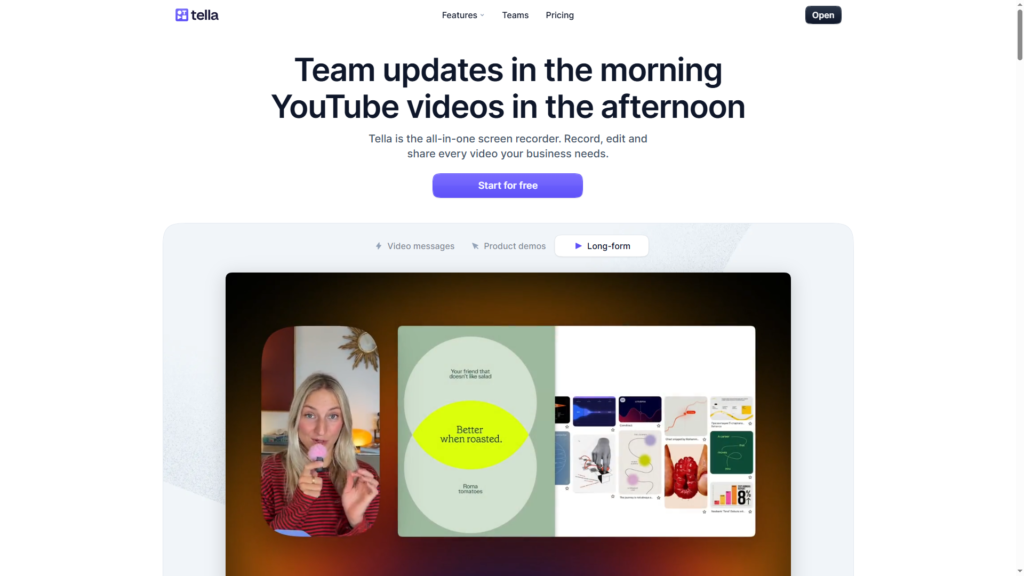
Tella is the most complete screen recording platform available in 2026 and the standout #1 choice for anyone leaving Loom. It was built on a simple premise: recording a professional video should not require professional video editing skills. Four years and thousands of users later, that premise has been executed into one of the best products in this space. After researching many screen recording tools that are truly Loom alternative, we picked Tella as the best.
Why Tella Beats Loom Directly
| Feature | Tella | Loom |
|---|---|---|
| AI filler word removal | ✅ Yes | ✅ Yes |
| Transcript-based editing | ✅ Yes | ⚠️ Limited |
| Unlimited storage | ✅ All plans | ❌ Capped on free |
| 4K recording | ✅ All plans | ⚠️ Limited |
| 60 FPS export | ✅ Premium | ❌ No |
| Custom domain | ✅ Premium | ❌ No |
| Multi-layout editing | ✅ Yes | ❌ No |
| Auto zoom effects | ✅ Yes | ❌ No |
| AI audio enhancement | ✅ Yes | ❌ No |
| CTA buttons on video page | ✅ Yes | ⚠️ Limited |
| 106-language transcription | ✅ Yes | ⚠️ Fewer |
| Analytics with funnels | ✅ Premium | ⚠️ Basic |
| Public playlists | ✅ Yes | ❌ No |
| Video indexing (Google) | ✅ Yes | ❌ No |
The list above isn’t cherry-picked. Feature for feature, Tella outperforms Loom in the categories that matter most for business video — editing quality, sharing flexibility, and analytics depth.
Core Features That Make Tella #1 Loom Alternative
AI-Powered Editing Suite
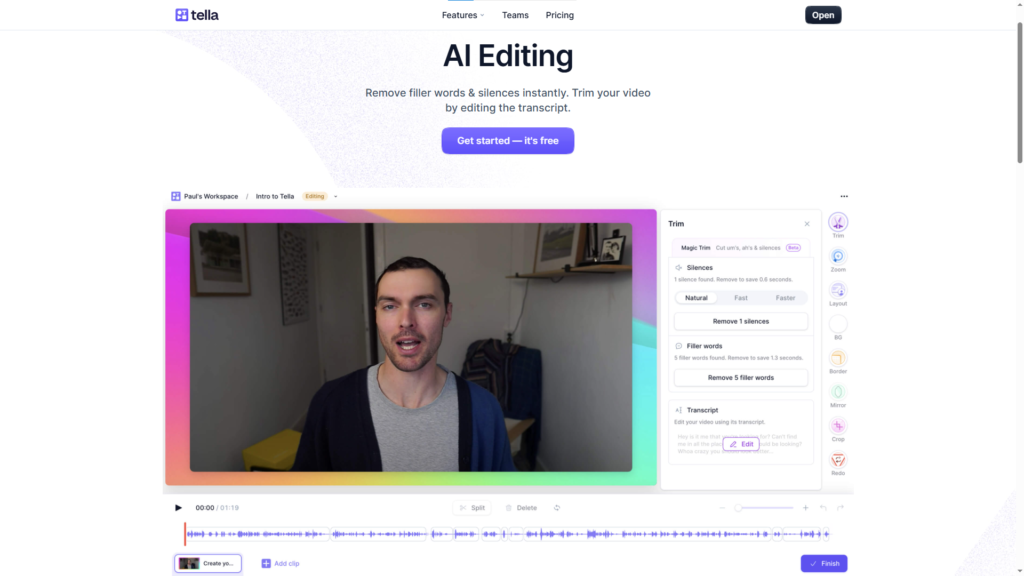
Tella’s Auto Cut removes filler words, long silences, and mistakes automatically. This alone replaces 30+ minutes of editing per video. The AI audio enhancement (Studio Voice) adds studio-quality sound from any microphone. These aren’t gimmicks — they work, and they work on the first try.
Transcript-Based Editing
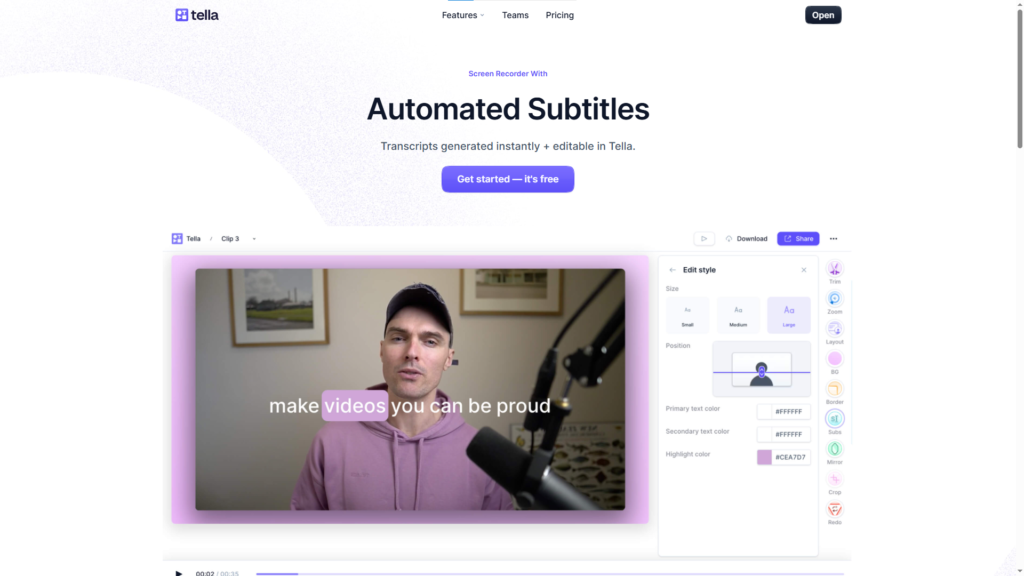
The most underrated feature in Tella. Instead of scrubbing a timeline, you edit your video by editing text. Delete a paragraph, the video cuts. Rearrange sentences, the footage rearranges. For anyone who is comfortable with writing but uncomfortable with video editing — which is most people — this changes the workflow entirely.
Dynamic Multi-Layouts
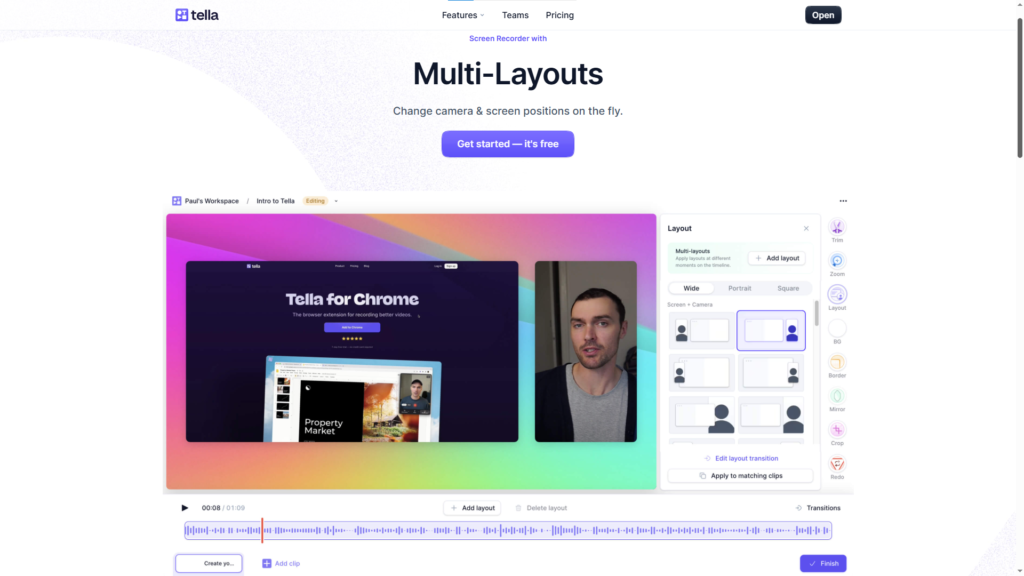
Switch between camera-only, screen-only, side-by-side, and picture-in-picture within a single video. Tella’s Auto Layouts feature can handle these transitions automatically based on what’s happening in your recording. The result is a more engaging video with zero manual keyframing.
Automatic Zoom Effects
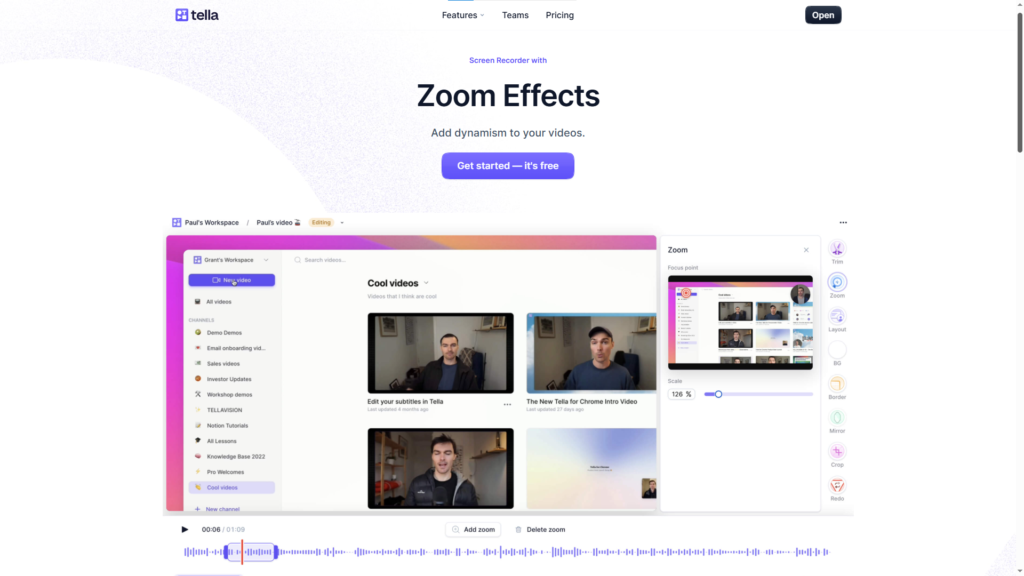
Tella analyzes your screen recording and automatically adds smooth zoom effects to highlight where you click. Your viewers’ attention is guided to what matters without you lifting a finger after recording.
4K Recording and 60 FPS Export
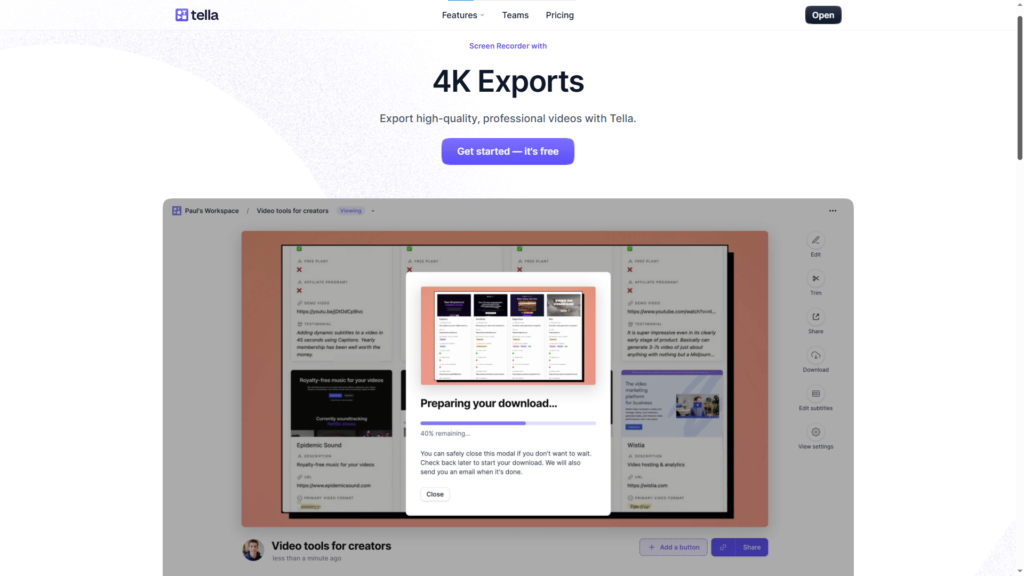
Record in up to 4K on the macOS app. Export at 60 FPS on the Premium plan. For YouTube content creators, this is a significant differentiator — most competitors cap at 1080p or 30 FPS.
Instant Link Sharing
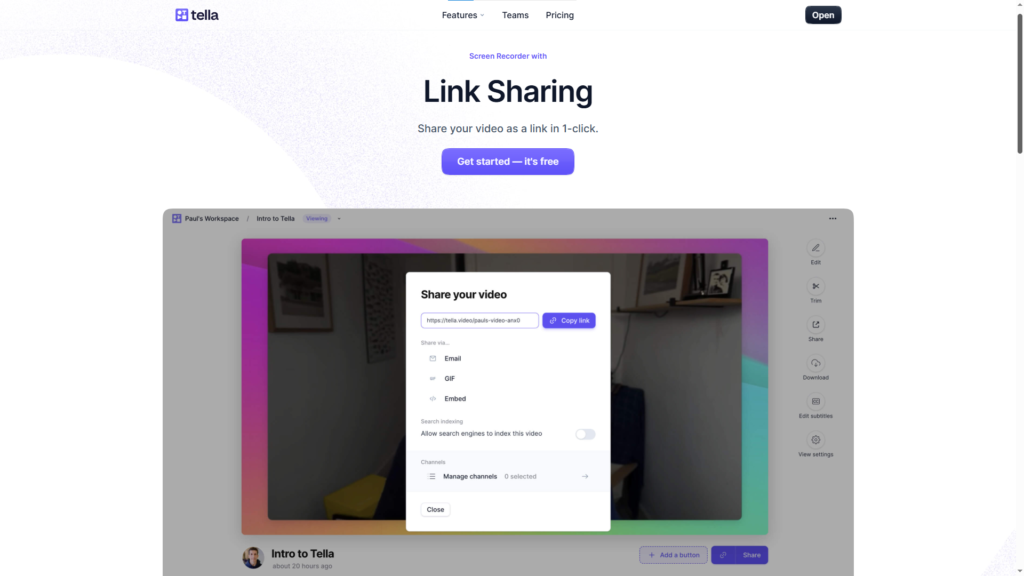
The moment you stop recording, your video is uploaded in the background and a shareable link is ready. No render time. No manual upload. Just copy, paste, send. Exactly what Loom was supposed to be.
Analytics That Actually Tell You Something
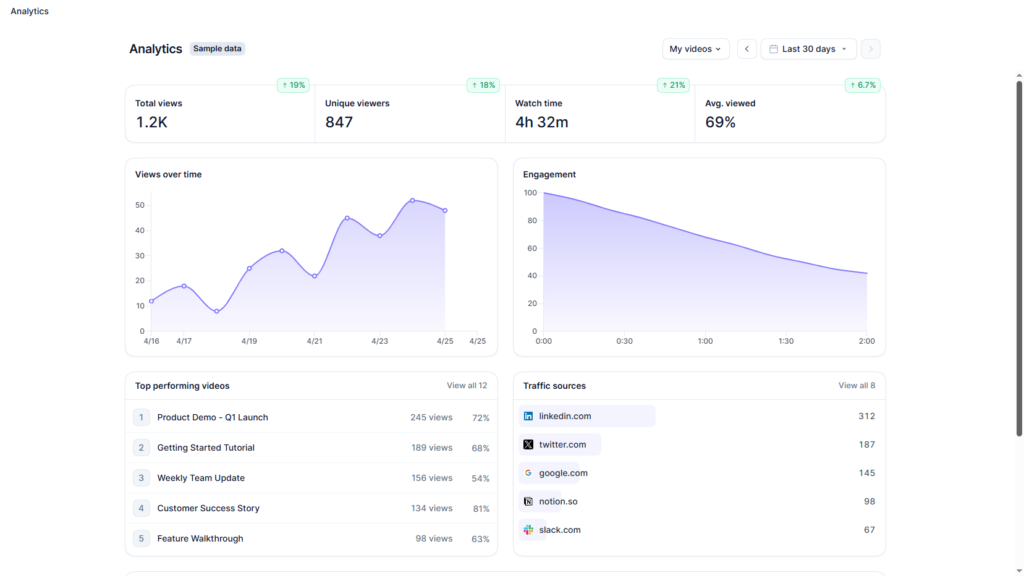
Total views, unique viewers, engagement curves, conversion funnels (plays → completions → CTA clicks), traffic sources, and viewer locations.
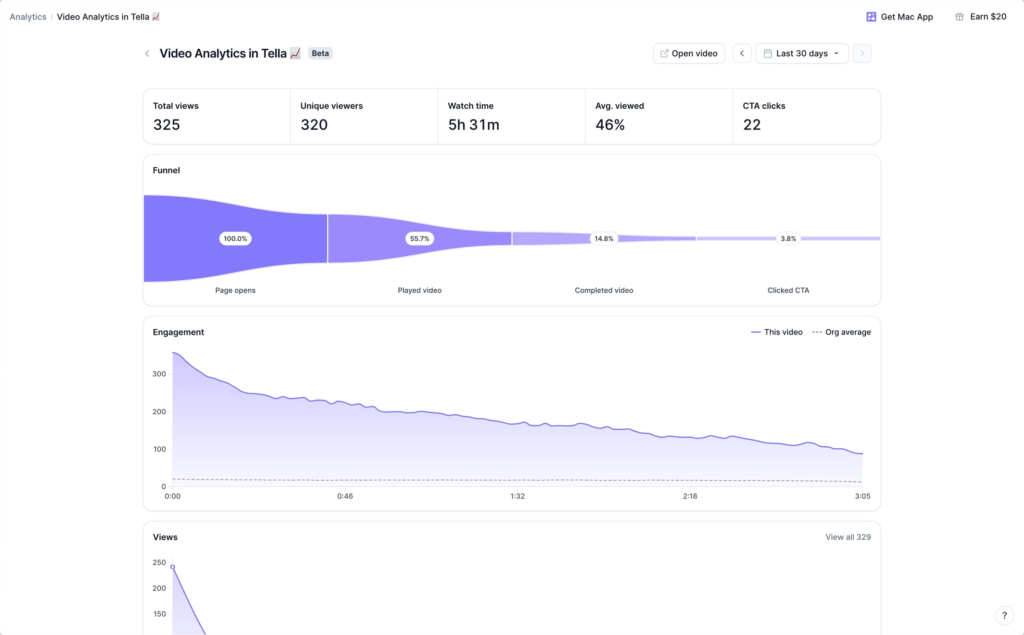
Premium users get individual viewer tracking and full history. If you use video for sales, knowing whether your prospect watched your demo matters.
Speaker Notes / Teleprompter
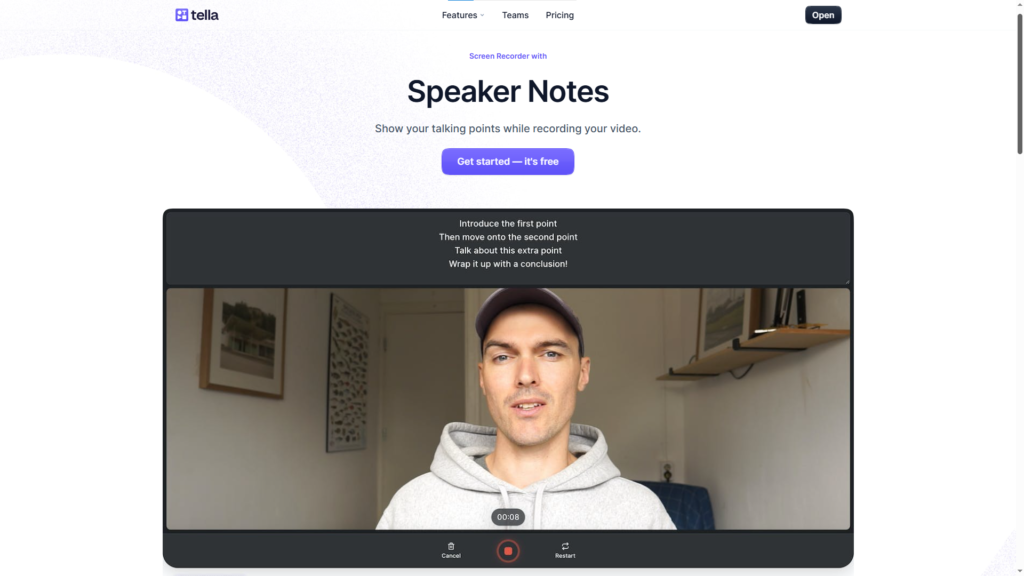
Built-in teleprompter that lets you display your talking points or full script while recording without it appearing on camera. Record more confidently, flub less, edit less.]
Video Clips
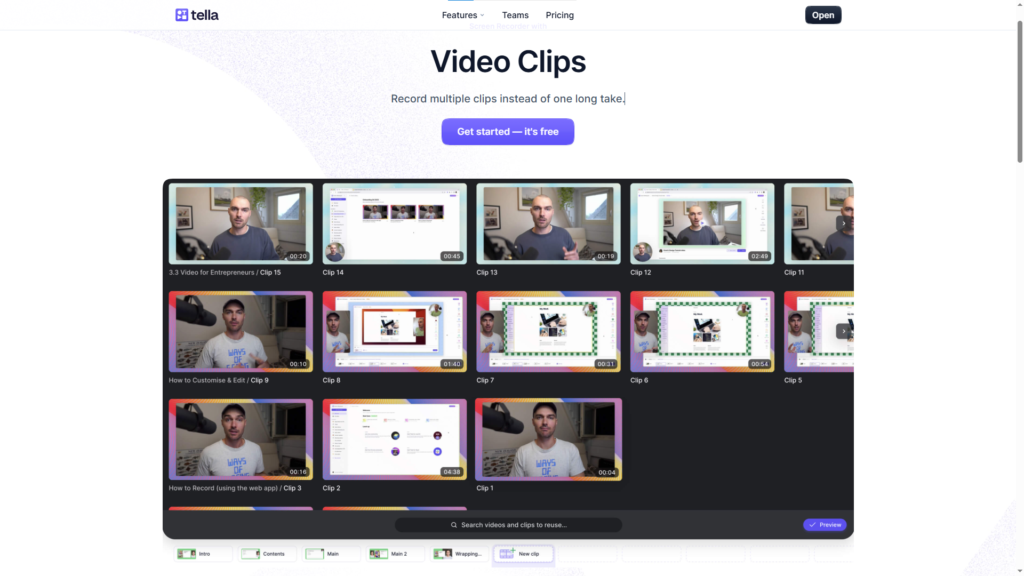
Record in multiple short takes rather than one long, anxiety-inducing take. Tella merges them into a single seamless video. This feature dramatically lowers the psychological barrier to recording.
Unlimited Storage on All Plans With Custom Branding
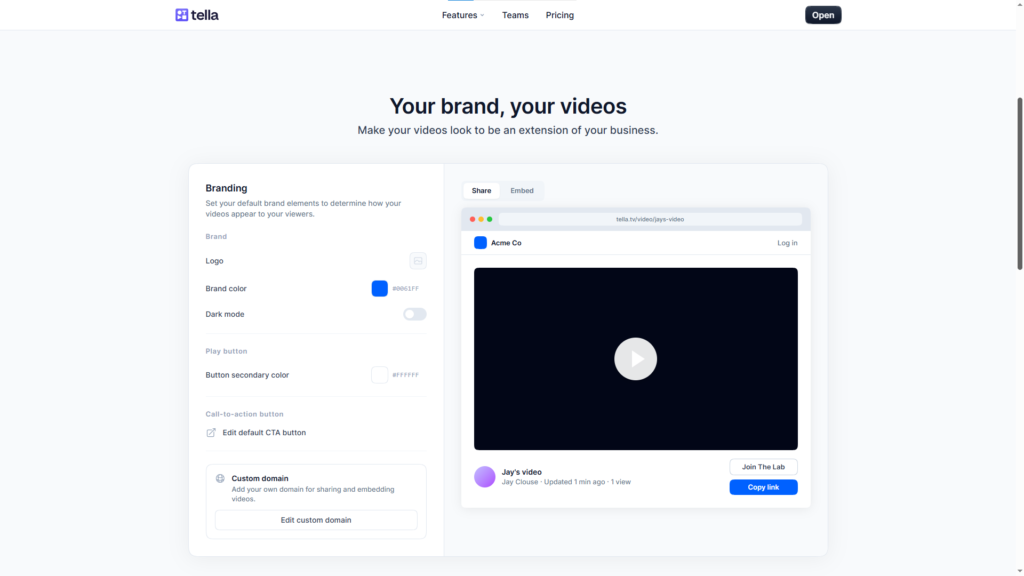
Not a trial feature. Not a Premium exclusive. Every Tella plan includes unlimited video storage and custom branding on paid plans. This alone makes Tella more sustainable than Loom for anyone building a video library at scale.
Integrations
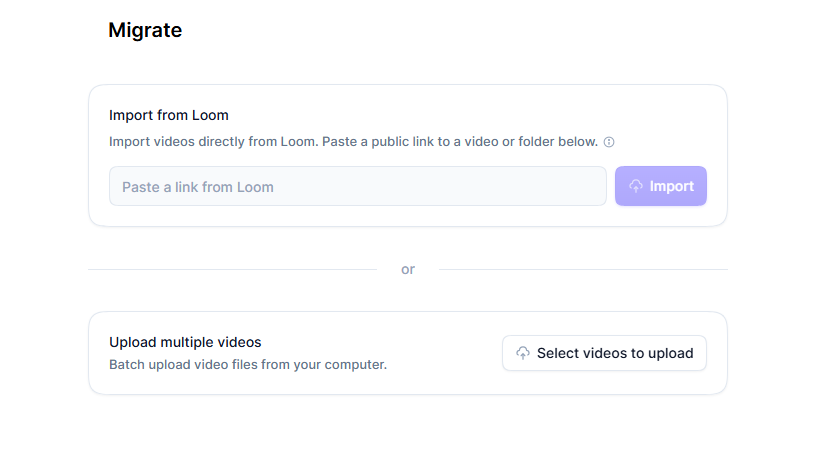
Loom video auto import to import all your Loom videos to Tella without manual upload.
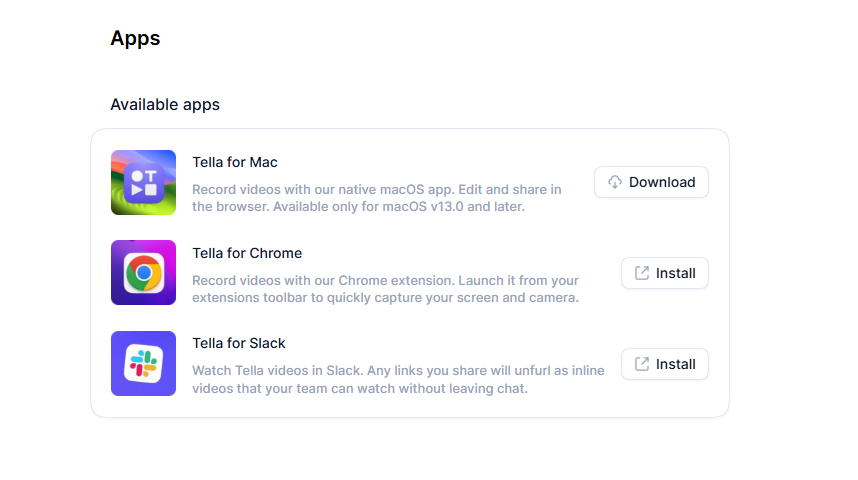
Chrome Extension, Mac App, Slack App for any platform or stack you are using currently.
Notion, Linear, Zapier, Google Drive, and MCP.
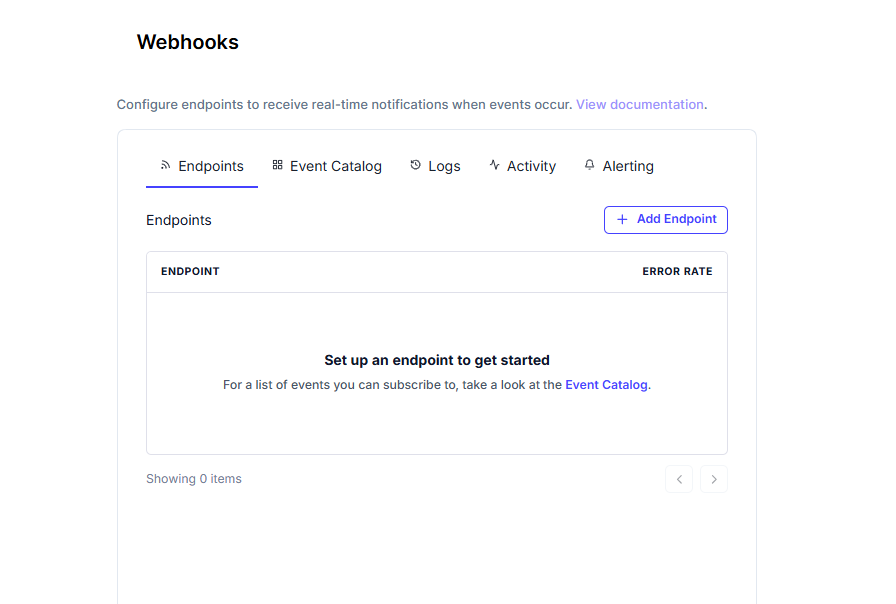
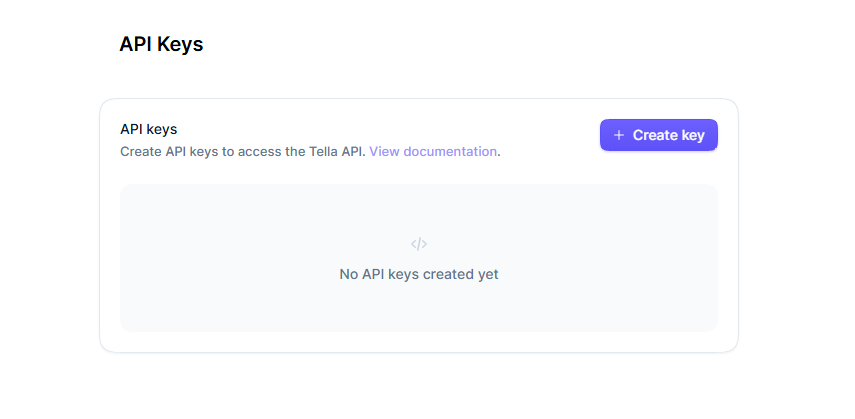
Webhook and API connections.
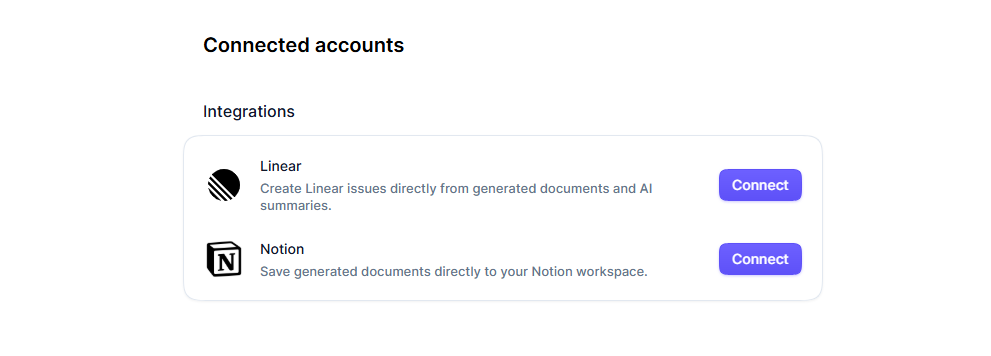
Tella fits into the tools your team is already using with its vast integrations with 3rd party tools and platforms.
What Tella Is Missing
No tool is perfect. It’s recommended you try it yourself and see if it works for you without a credit card. Also, enterprise SSO and SCIM are available but require a custom pricing conversation.
→ Try Tella Free for 7 Days — No Credit Card Required
Tella Verdict
Rating: 9.5/10
If you’re leaving Loom, Tella is the correct destination for the overwhelming majority of users. The AI editing tools alone justify the switch. The 7-day free trial with no credit card requirement means there is literally nothing to lose by trying it.
2. Supercut
Price: Pro £12/user/month | Enterprise: custom
Supercut is a Mac-native screen recorder built for quick video messages and team updates. Founded by one of the Typeform co-founders, it has a clean interface and smart defaults. The standout feature is its “Ask Anything” functionality — viewers can ask AI-powered questions about your video content while watching.
Best for: Mac users on remote teams who need quick async communication Not ideal for: Windows users, content creators needing advanced editing Sharing: ✅ Excellent — shareable links, no viewer account required
3. Cap
Price: Early adopter $58 one-time | Pro $8.16–$12/month
Cap positions itself as the open-source alternative to Loom. It has two modes: Instant (browser-based with shareable links) and Studio (local recording with full editing). The open-source angle appeals to privacy-conscious teams and developer audiences.
The caveat: open source means you take on more responsibility for security patches, maintenance, and reliability. For teams without engineering resources, that’s a real trade-off.
Best for: Developer teams and open-source advocates Not ideal for: Non-technical teams or anyone who needs reliable, supported software Sharing: ⚖️ Mixed — Instant Mode works, Studio Mode requires export
4. VEED
Price: Free (watermarked) | Lite £14/mo | Pro £24/mo
VEED is a browser-based video editor that has expanded into screen recording. Its strongest differentiator is AI avatars — you can generate a video without being on camera at all. It also supports video translation into 50+ languages with AI voiceovers, which Tella doesn’t currently offer.
If you need authentic, personal video content, Tella is better. If you need AI-generated avatar content or multi-language dubbing at scale, VEED becomes relevant.
Best for: AI-first video teams, multilingual content creation Not ideal for: Personal, authentic video content or quick async messaging Sharing: ⚖️ Mixed — render required before sharing
5. Camtasia
Price: Starter £34.80/user/year
Camtasia is TechSmith’s video creation suite — one of the older players in this space. It’s powerful, especially for PowerPoint-heavy tutorial creators. But it’s expensive, complex, and requires significant time investment to get value from. Not a great fit for anyone who wants the Loom experience of “record, share, done.”
Best for: PowerPoint tutorial creators and training departments Not ideal for: Fast async video, small teams without dedicated video editors Sharing: ❌ Export required before sharing
6. ScreenFlow
Price: One-time from $169
ScreenFlow is a macOS screen recording and editing app from Telestream. It’s feature-rich — multiple recording sources, video filters, plugin ecosystem, animated GIF export — but it’s a desktop app that requires installation and an upfront purchase. The sharing workflow is fully manual (export → upload → send link).
Best for: Existing Telestream users, Mac power users Not ideal for: Teams, quick sharing, anyone on Windows Sharing: ❌ Export and upload required
7. ScreenPal
Price: Basic $4/mo | AI-powered $10/mo
ScreenPal (formerly Screencast-O-Matic) is a long-standing, budget-friendly option. It supports cloud hosting, shareable links, and AI features including transcript generation, captions, and language translation with voiceovers. At $4–$10/month, it’s the most affordable full-featured option on this list.
Best for: Budget-conscious teams, educators, content repurposers Not ideal for: Premium video quality, advanced team collaboration Sharing: ✅ Good — cloud hosting and shareable links
8. Descript
Price: Individual $16/mo | Teams from $24/mo
Descript started as a podcast editor and has expanded into screen recording. Its transcript-based editing is excellent — arguably as good as Tella’s. But Descript is primarily optimized for audio-first content. The screen recording feature feels like an addition rather than a core product focus. Setup is also more complex on Windows.
Best for: Podcasters and audio-first creators who also need screen recording Not ideal for: Teams wanting a simple record-and-share workflow Sharing: ⚖️ Moderate — web publishing available but many users still export
9. ShareX
Price: Free (open source)
ShareX is a free, open-source Windows utility for screenshots and screen recording. It’s powerful for technical users who want full control and don’t mind manual configuration. For anyone wanting a Loom-like experience — record, share link, done — it is not that.
Best for: Power users and open-source advocates who are comfortable with configuration Not ideal for: Non-technical users, teams, anyone wanting instant sharing Sharing: ❌ Local capture, manual upload required
10. QuickTime Player
Price: Free (macOS built-in)
QuickTime is already on every Mac, which is its primary advantage. It records your screen and microphone reliably. Everything beyond that — editing, sharing, analytics — you’ll need to handle elsewhere. There’s no AI, no link sharing, no subtitles. But if you just need to capture something quickly on a Mac, it works.
Best for: Mac users who just need to capture something, no frills Not ideal for: Anything involving sharing, editing, or professional presentation Sharing: ❌ Export and upload required
11. OBS Studio
Price: Free (open source)
OBS is the gold standard for live streaming and is capable of local screen recording too. It’s powerful, highly configurable, and free. It is also complex enough that new users often feel lost on first launch. No built-in editing, no hosting, no sharing workflow. Everything after recording is your responsibility.
Best for: Live streamers, video creators with remote guests Not ideal for: Business video messaging, quick sharing, non-technical users Sharing: ❌ Export and upload required
12. ScreenApp
Price: Free (3 videos/mo) | Growth $14/mo | Business $34/mo
ScreenApp is a newer entrant that started as an AI meeting summarizer before expanding into screen recording. It’s strong on transcription, summarization, and turning meeting recordings into shareable documents. The video editing features are less mature than Tella’s, but the meeting-to-content workflow is genuinely useful.
Best for: Teams heavy on video meetings who want to repurpose recordings as content Not ideal for: Purpose-built video creation, advanced editing Sharing: ✅ Good — browser-based with automatic hosting and links
Head-to-Head Summary Table
Tool | Price/mo | AI Editing | Instant Link | 4K | Storage | Best For |
|---|---|---|---|---|---|---|
$13 | ✅ Excellent | ✅ Yes | ✅ Yes | ♾️ Unlimited | Best overall | |
Supercut | £12 | ✅ Good | ✅ Yes | ❌ | Unknown | Mac async teams |
Cap | $8.16 | ⚠️ Basic | ⚖️ Instant only | ❌ | Unknown | Open source devs |
VEED | £24 | ✅ Good | ⚠️ After render | ❌ | Limited | AI avatars |
Camtasia | ~$3 | ⚠️ Basic | ❌ No | ❌ | Local | PowerPoint users |
ScreenFlow | $0/mo* | ⚠️ Basic | ❌ No | ❌ | Local | Mac power users |
ScreenPal | $10 | ✅ Good | ✅ Yes | ❌ | Limited | Budget teams |
Descript | $16 | ✅ Good | ⚖️ Moderate | ❌ | Limited | Podcasters |
ShareX | Free | ❌ No | ❌ No | ❌ | Local | Open source fans |
QuickTime | Free | ❌ No | ❌ No | ❌ | Local | Mac basics |
OBS Studio | Free | ❌ No | ❌ No | ❌ | Local | Streamers |
ScreenApp | $14 | ✅ Good | ✅ Yes | ❌ | Limited | Meeting recap |
*ScreenFlow is a one-time purchase
The Verdict: Why Tella is the Best Loom Alternative
Tella wins for the same reason Loom won in its heyday — it makes the entire video workflow feel effortless. Record, AI edits for you, share a link. The difference is that Tella has continued to evolve that vision into something genuinely more powerful, adding AI audio, transcript editing, dynamic layouts, zoom effects, custom branding, and real analytics.
The unlimited storage, the 4K recording, the 7-day free trial with no card required — Tella removes every excuse not to try it.
If you’re looking for a Loom alternative and you only have time to try one thing, try Tella.
Affiliate disclosure: Some links in this article are affiliate links. We may receive a commission if you sign up through our link. This doesn’t influence our rankings — we evaluate tools based on features, value, and user experience.
